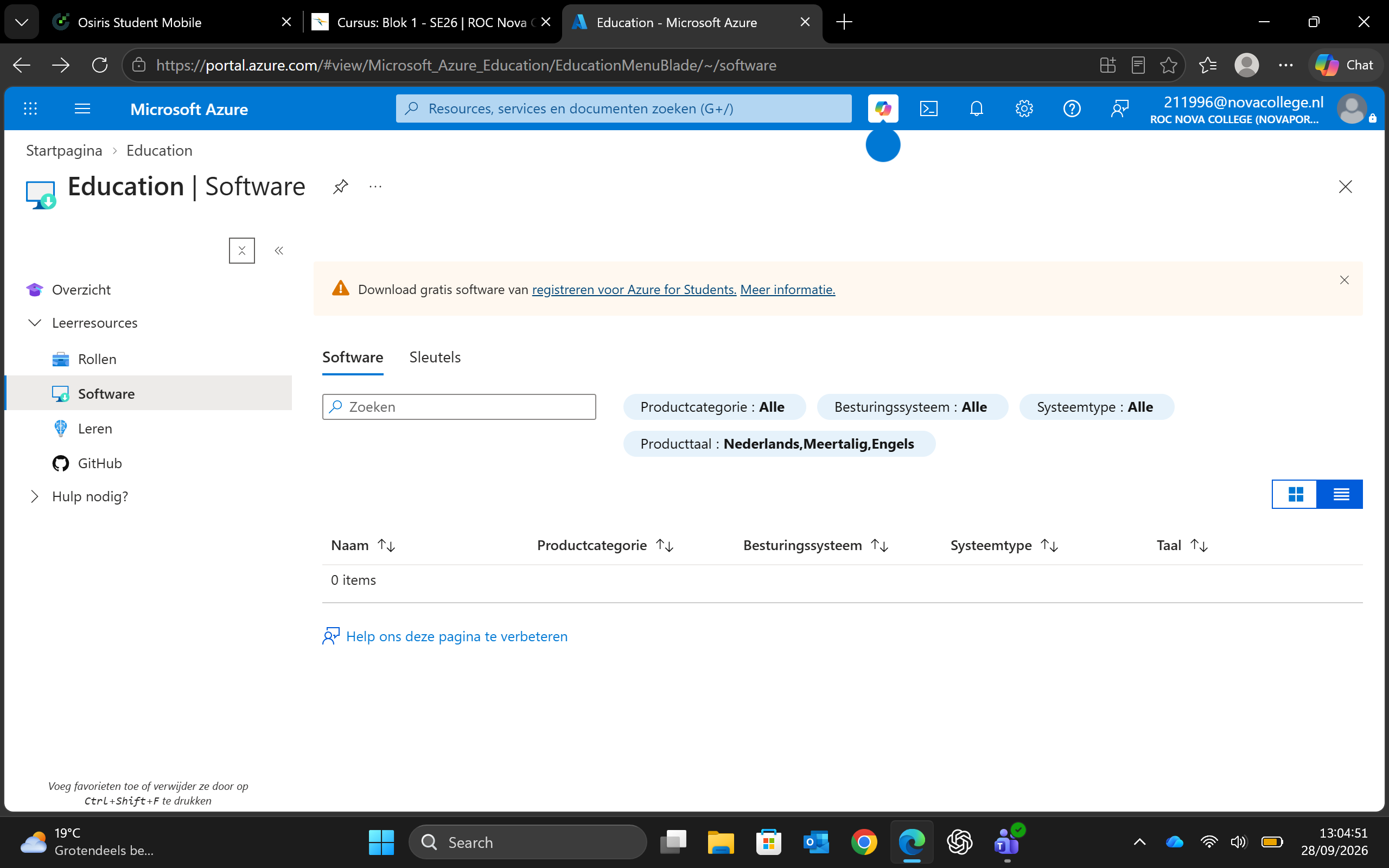
https://portal.azure.com/#view/Microsoft_Azure_Education/EducationMenuBlade/~/software
Klik op: registreren
Vul je gegevens in (zover als je die met Microsoft wilt delen)
Selecteer Windows 11 Education
Selecteer View Key
Op je eigen machine start:
Settings
Selecteer: Privacy & security
Zoek op: Activation settings
Klik op: Change bij Change activation key
Windows zal je systeem updaten naar de Education versie